Payments and Charges
Add a Credit Card to a Customers Profile
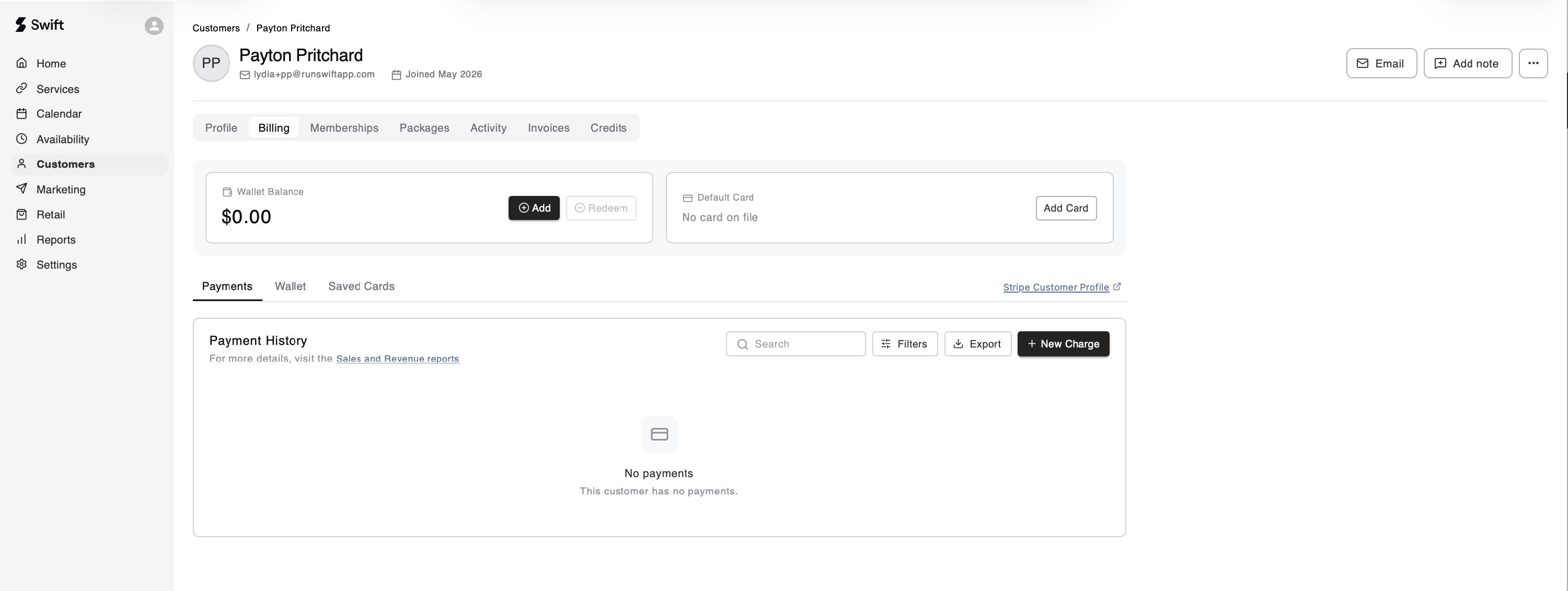
In the Billing tab of a customer's profile, you can manually add their credit card information. Simply click the Add Card button for the "default card" and enter their credit card information. Alternatively, click the Saved Cards tab and add additional cards there.
One-off Charges
One-off charges are simply a way to collect money and associate it with a revenue category. For example, there might be a time where you'd like to charge a customer for a No-Show fee, the New Charge would be a way to process this payment.
⚠️ Note: If you process a package, membership or booking payment as a one-off charge, it will not automatically assign a package/membership to the customer's profile, or mark a booking as paid. This needs to be done from the Activity tab in their profile.
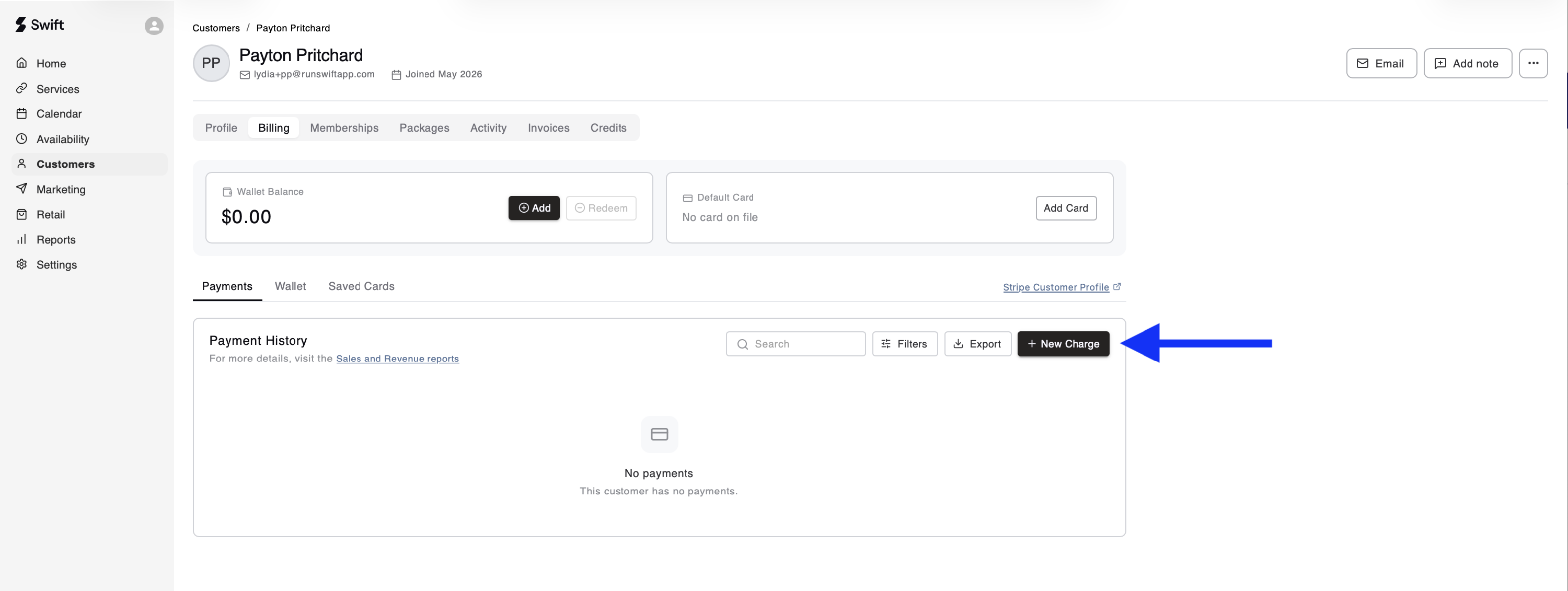
To submit a one-off charge to any customer,
- Open the customer's profile and go to the Payments tab
- Click the New Charge button
- Fill out the New Charge form
- When you click Issue Charge, the transaction will be processed and recorded immediately

View Payment History
At the bottom of the Payments tab in a customer's profile, you'll be able to view all the payments that have been processed for this customer.